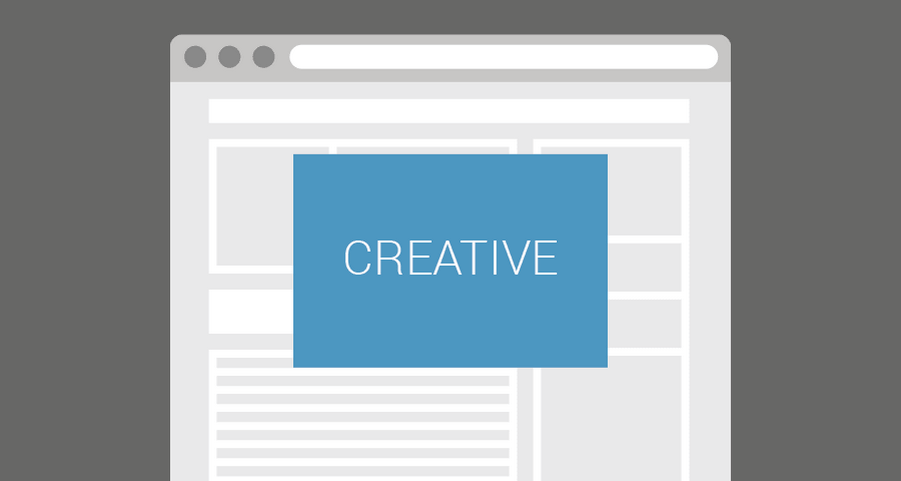
Floater
Keeps a banner fixed on top of page content. Always visible, always effective.
Best for: Always-visible overlay units for direct campaigns
- Desktop, Mobile, Tablet
- Out-of-page
Rich media ads give publishers a premium product for direct campaigns: interstitial, wallpaper, parallax, sticky, pushdown, and interactive placements. Genecy supplies them as creative templates for Google Ad Manager, so ad operations can traffic the format without building each creative from scratch.
See rich media ad examples, or read how this works as rich media advertising for publishers. For how existing advertiser creatives fit into those formats, read use advertiser banners for rich media ads.
A rich media ad is a display unit that behaves. It can expand, stay fixed while the page scrolls, cover the screen for a few seconds, wrap the site as a skin, or respond to a swipe, tilt, or scratch. The creative is still HTML, images, or video. The difference is the format around those assets.
Advertisers buy them when a standard banner is not enough for a launch, a sponsorship, or a homepage takeover. Publishers sell them at a higher CPM because the placement is specific: full screen, wallpaper, parallax, sticky, or interactive.
Direct sales teams get the same requests: a page takeover, a sticky unit, something that moves on scroll, a format the advertiser saw on another site. Building that once, in a hurry, means custom JavaScript, a GAM integration, and a round of fixes before the campaign can go live.
Interstitial, wallpaper, parallax, and sticky units are placements, not one-off projects. A named format is easier to price and to repeat.
Assets, click URL, timing, and close behavior are creative settings. The next campaign does not start with a new development ticket.
Clicks, impressions, Active View, and third-party tags are part of the template, including HTML5 creatives that did not ship with a click tag.
Google Ad Manager serves rich media as creatives that use HTML, CSS, and JavaScript. You can paste a custom creative for one campaign, upload an HTML5 bundle, or import a creative template and reuse it.
The ad unit is the inventory. The creative is what renders. High-impact formats such as interstitials, skins, and sticky units usually need an out-of-page ad unit, because they draw outside a fixed banner slot. In-page formats such as expandable banners, cubes, and tilt units render inside a sized ad unit.
A custom creative is a single HTML file for one line item. It works, and it is also where the format logic gets rewritten every time the advertiser changes. A creative template keeps that logic in one imported file. Each new campaign is a new creative: new images, a new click URL, the same format.
HTML5 is the asset. An agency can deliver a banner as HTML5, and several Genecy templates can host that file or a URL to it. The template is the format: where the unit sits, how it expands, when it closes, and how the click is counted. You do not need a new HTML5 build to change the placement from a floater to a wallpaper.
These six formats are the ones publishers sell most often. Each one is a creative template, with a live preview and a product page that covers setup. The rest of the catalog is in the rich media ad examples.
Keeps a banner fixed on top of page content. Always visible, always effective.
Best for: Always-visible overlay units for direct campaigns
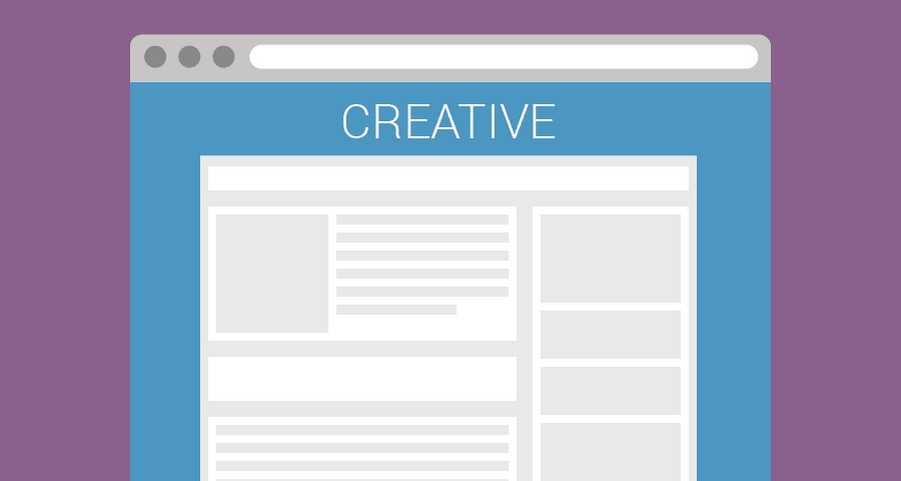
Wraps the website with creative (skin format). Supports sticky and parallax effects.
Best for: Page skins and desktop takeovers
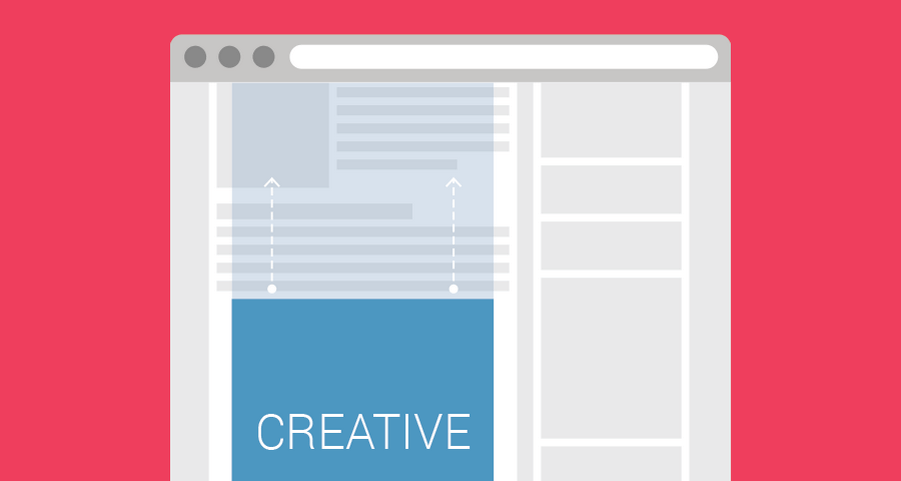
Keeps a creative fixed in the background while scrolling for a parallax effect.
Best for: Parallax and interscroller placements
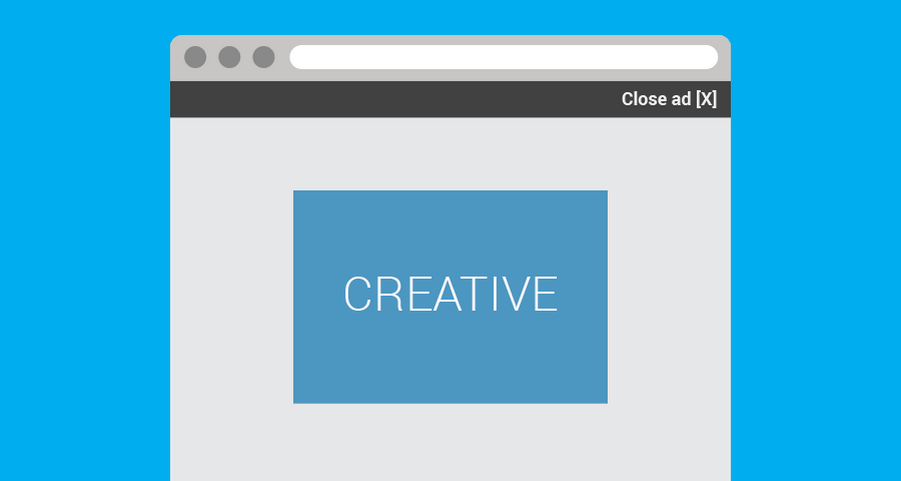
Full-screen ad shown for a few seconds before users continue to content.
Best for: Launches, takeovers, and short full-screen bursts
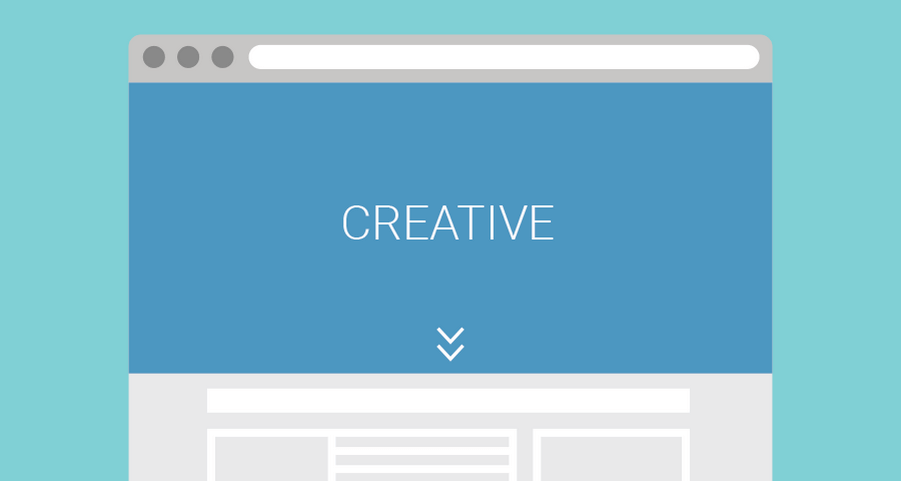
Pushes the website down to display a banner at the very top. High visibility and strong impact.
Best for: Pushdown placements at the top of the page
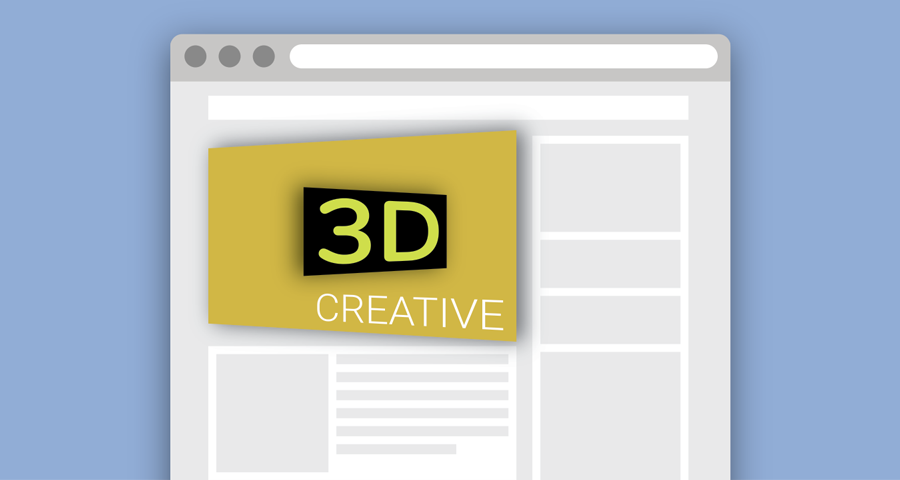
Interactive banner with a 3D tilt effect that responds to cursor hover or touch movement.
Best for: Interactive 3D tilt on a display unit
The trafficking steps are the same for each format. Development is not one of them.
Choose the format. Match the ask: interstitial, wallpaper, parallax, sticky, pushdown, or an interactive unit.
Install the template. Import the Genecy creative template into the Google Ad Manager network.
Create the creative. Add a creative from that template on the order you are trafficking.
Add the assets. Upload images, HTML5, or video, or point at files the advertiser already hosts.
Set the click URL. One click-through covers the unit, including HTML5 that has no click tag of its own.
Preview. Use the template preview, then GAM’s creative preview, before the line item serves.
Add it to the line item. Target the ad unit, including an out-of-page unit when the format draws outside a fixed slot.
Genecy templates are the implementation. The product the publisher sells is the format. Import the template once, then create a creative for each advertiser. Creative templates for Google Ad Manager lists the full library, including free templates for HTML5 and video.
Programmatic banners are not the job. The job is a sold campaign with a start date, brand assets, and a placement the advertiser was promised. A template lets the publisher keep that promise on the second campaign as well as the first. The commercial side of that workflow is covered under rich media advertising for publishers.
Rich media ads are display formats that do more than a static image. They can expand, stick to the viewport, cover the page, react to scroll, or invite a click, swipe, or scratch. Publishers usually sell them as premium products on direct campaigns.
Google Ad Manager serves them as creatives built with HTML, CSS, and JavaScript. A reusable creative template holds the format behavior. For each campaign you add the advertiser assets, click URL, and tracking, then attach the creative to a line item.
No. A custom HTML5 build is one way to make a rich media ad. A creative template is the other: the format already exists, and trafficking is a matter of assets and settings inside Google Ad Manager. Genecy templates are that second path.
A custom creative is a one-off HTML file trafficked for a single campaign. A creative template is a reusable format. Once it is imported, ad operations can create many creatives from it without asking development to rebuild the layout.
The formats advertisers ask for most often are interstitial, wallpaper or skin, parallax, sticky or floating, pushdown, and expandable units. Genecy covers those with Interstitial, Wallpaper, Parallaxer, Floater, Welcomer, and Expander, plus interactive units such as Tilter.
Yes. Every Genecy template supports Active View and third-party impression tracking, and creatives can run with or without a click-through URL. Expander is the format that also supports SafeFrame. The other rich media formats run outside SafeFrame so they can use overlays, skins, and sticky positions.
Most formats support desktop, mobile, and tablet. Wallpaper, Backgrounder, Roller, and Sitebar are aimed at desktop first, because a skin or side rail needs the wider layout. Check the format page for the suggested devices before you sell the placement.
Sign up to Genecy and instantly access Iframer and Clipbanner for free. Upgrade anytime to unlock 24 premium templates.