Overview
Product description and implementation details.
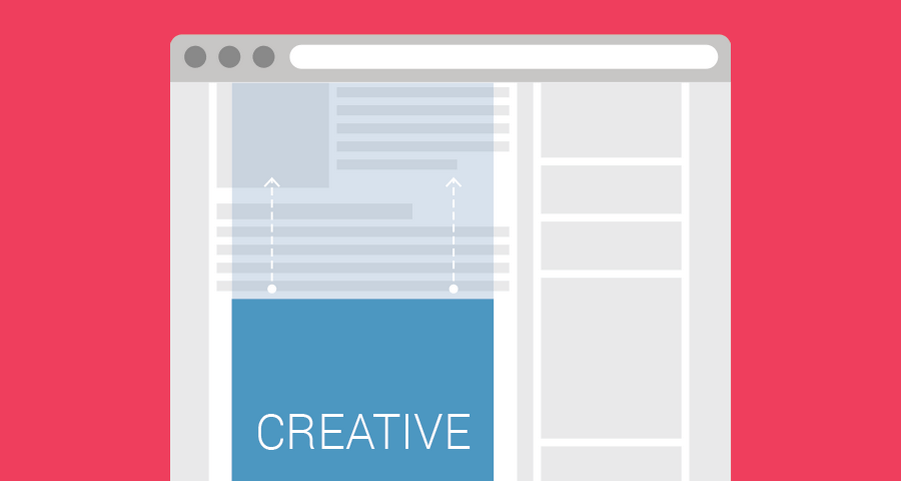
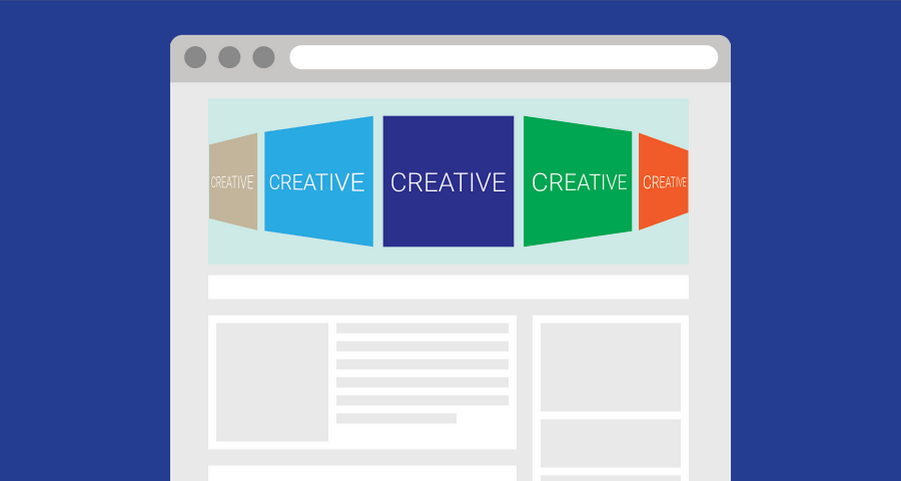
The Scrubber is an interactive creative template for Google Ad Manager (GAM) that transforms a sequence of images into a scroll-driven animation. As visitors scroll through a webpage, the creative smoothly progresses between frames, creating an engaging visual experience controlled by the user's natural scrolling behavior.
The template supports two animation methods: a sprite sheet containing multiple frames in a single image, or a sequence of up to six individual images. Sprite sheets are ideal for longer animations, while individual images offer a simple way to create shorter sequences with smooth crossfade transitions. The animation progresses as the creative moves through the viewport and can reverse naturally when users scroll in the opposite direction.
Scrubber provides flexible controls for the animation's timing and behavior. You can define the scroll range, adjust the animation easing, control how long each frame remains visible, and account for fixed website headers or footers. An optional headline and call-to-action button can appear near the end of the animation, helping turn an engaging visual experience into a clickable advertisement.
The creative is responsive, supports custom styling, and includes a static fallback for users who prefer reduced motion. Scrubber is particularly suitable for product showcases, visual storytelling, step-by-step demonstrations, and campaigns where advertisers want to reveal a message progressively as visitors explore the page.
Supported formats: JPG, PNG, and GIF images.
This template works with Google Ad Manager, including the free version and Google Ad Manager 360. It is designed for size-defined ad units.
Last updated: · View release notes
Extend with JavaScript callbacks
Adapt creatives to your website without modifying site code.
Use callback events to:
- Sync with sticky headers
- React to viewport changes
- Trigger animations
- Integrate custom site behavior
- Optimize layout appearance
Our support team can help you plan and implement JS callback integrations for your site.
View JS callback documentation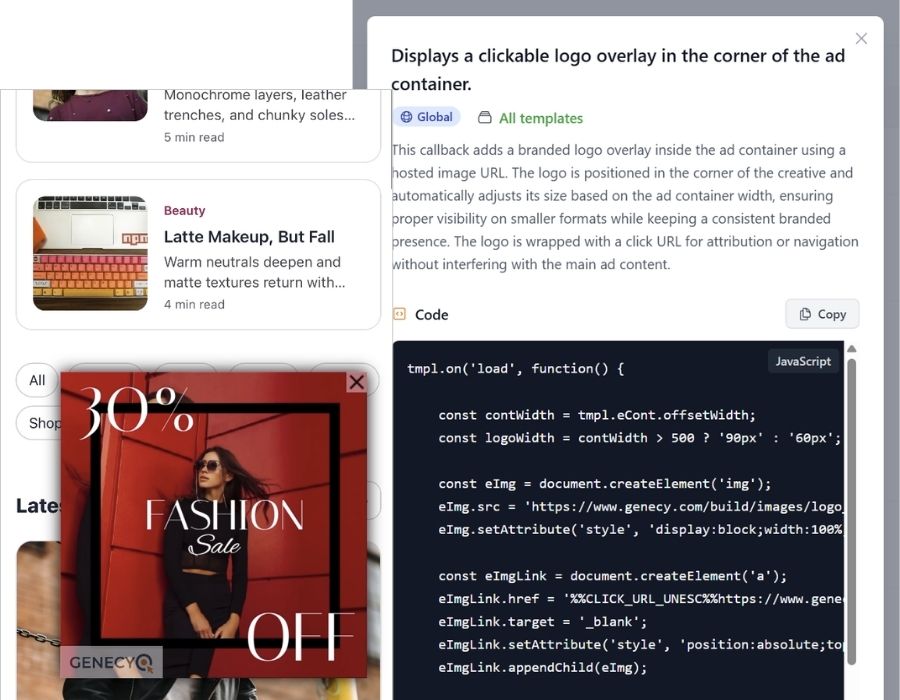
Features
- Create scroll-driven animations that respond to the visitor's scrolling position.
- Use a sprite sheet with multiple frames or a sequence of up to six individual images.
- Upload images directly or use URLs to externally hosted assets.
- Play animations forward or backward based on scrolling direction.
- Choose between different scroll range modes to control animation progression.
- Adjust easing and frame hold duration to customize animation behavior.
- Display an optional headline and CTA button at a selected scroll progress percentage.
- Responsive creative with an optional maximum width.
- Configure fixed top and bottom margins for websites with sticky headers or footers.
- Customize background color, rounded corners, headline, and CTA button styles.
- Serve with or without a clickthrough URL.
- JavaScript callback events for scroll progress milestones, completion, and clicks.
- Supports Google Ad Manager Active View measurement.
- Track ad impressions using third-party tracking URLs or tags.
- Compatible with desktop, mobile, and tablet devices.