GAM Guides

Step-by-step how-to tutorials for Google Ad Manager: setting up rewarded ads, offerwalls, codeless units, ad click tracking, and all your GAM workflows.

GAM Guides

How Publishers Use Existing Advertiser Banners for Rich Media Ads

Your advertisers already provide banners. Your ad operations team manages campaigns in Google Ad Manager. But what if you could offer more engaging advertising formats without hiring developers or building custom creatives for every campaign? That is what Genecy is designed to help you do. Genecy…
GAM Guides

How to Share Google Ad Manager Campaign Reports With Advertisers

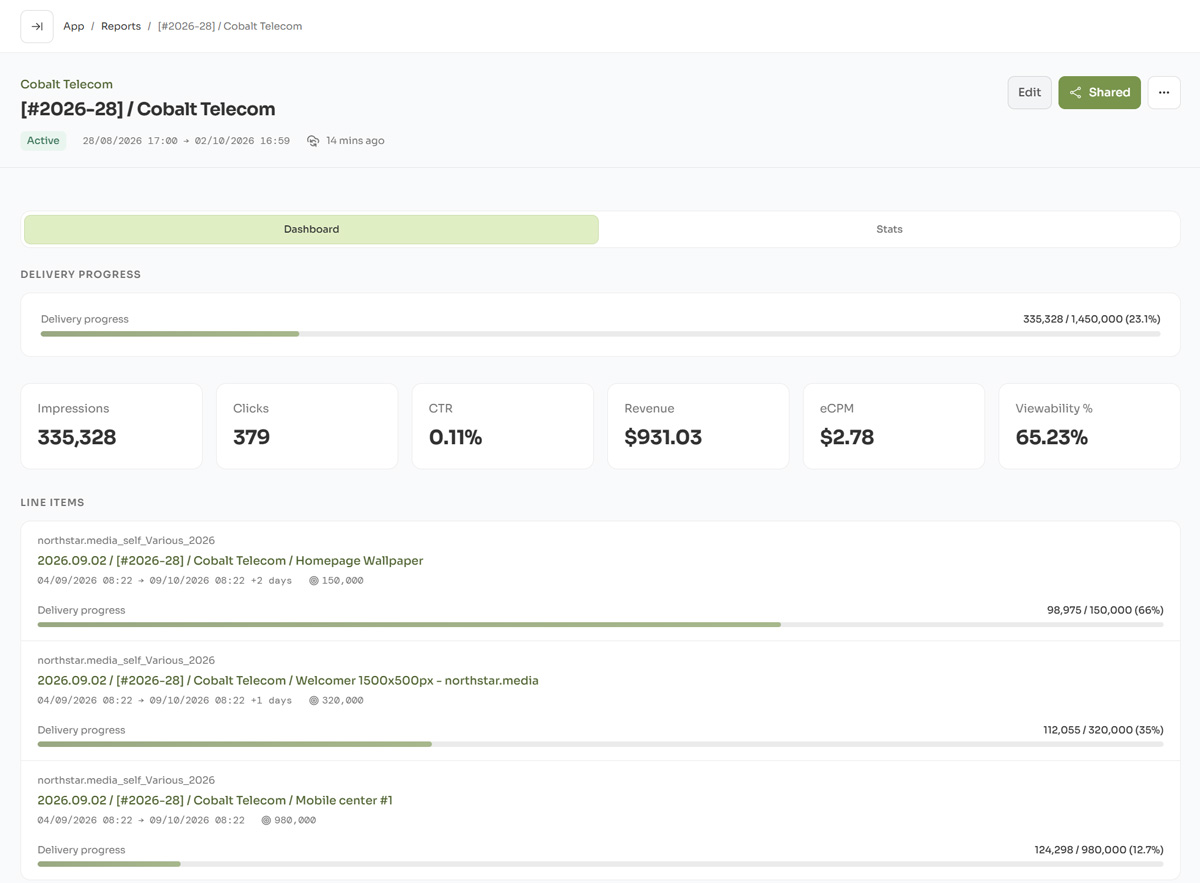
When you run direct campaigns in Google Ad Manager, advertisers often want to see how their campaigns are performing. Google Ad Manager provides detailed reporting for publishers and Ad Ops teams, but sharing those results with an advertiser is a different problem. Giving a client access to your…

GAM Guides

How to Estimate Inventory Size in Google Ad Manager

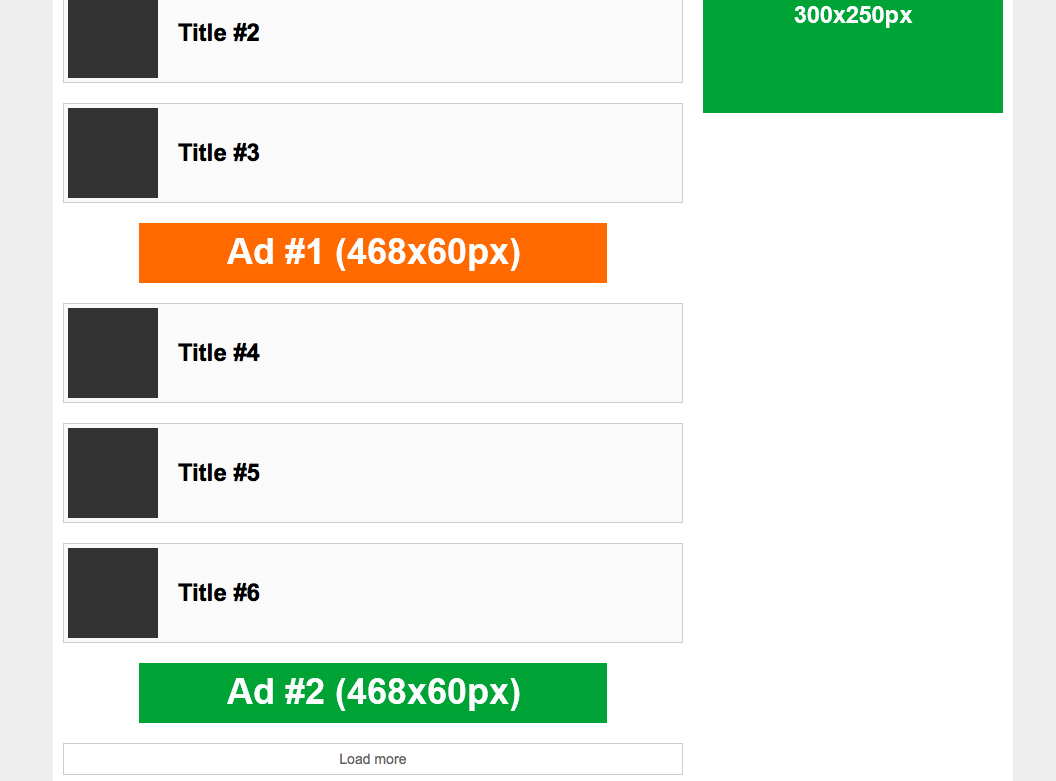
When sales teams ask about inventory size, they usually want one simple answer: "How many impressions can we sell?" In Google Ad Manager, this is not one fixed number. Inventory depends on traffic, demand, and setup. This article explains how to use historical reports to understand inventory size…

GAM Guides Updated

Update Outdated GPT Versions: A Must-Do for Google Ad Manager Users

If you're an avid user of Google Ad Manager, you might have recently come across an important email in your inbox. The email emphasizes the need to update outdated GPT versions. This message has become a hot topic in the Google Ad Manager forum, with many users buzzing about it.

GAM Guides Updated

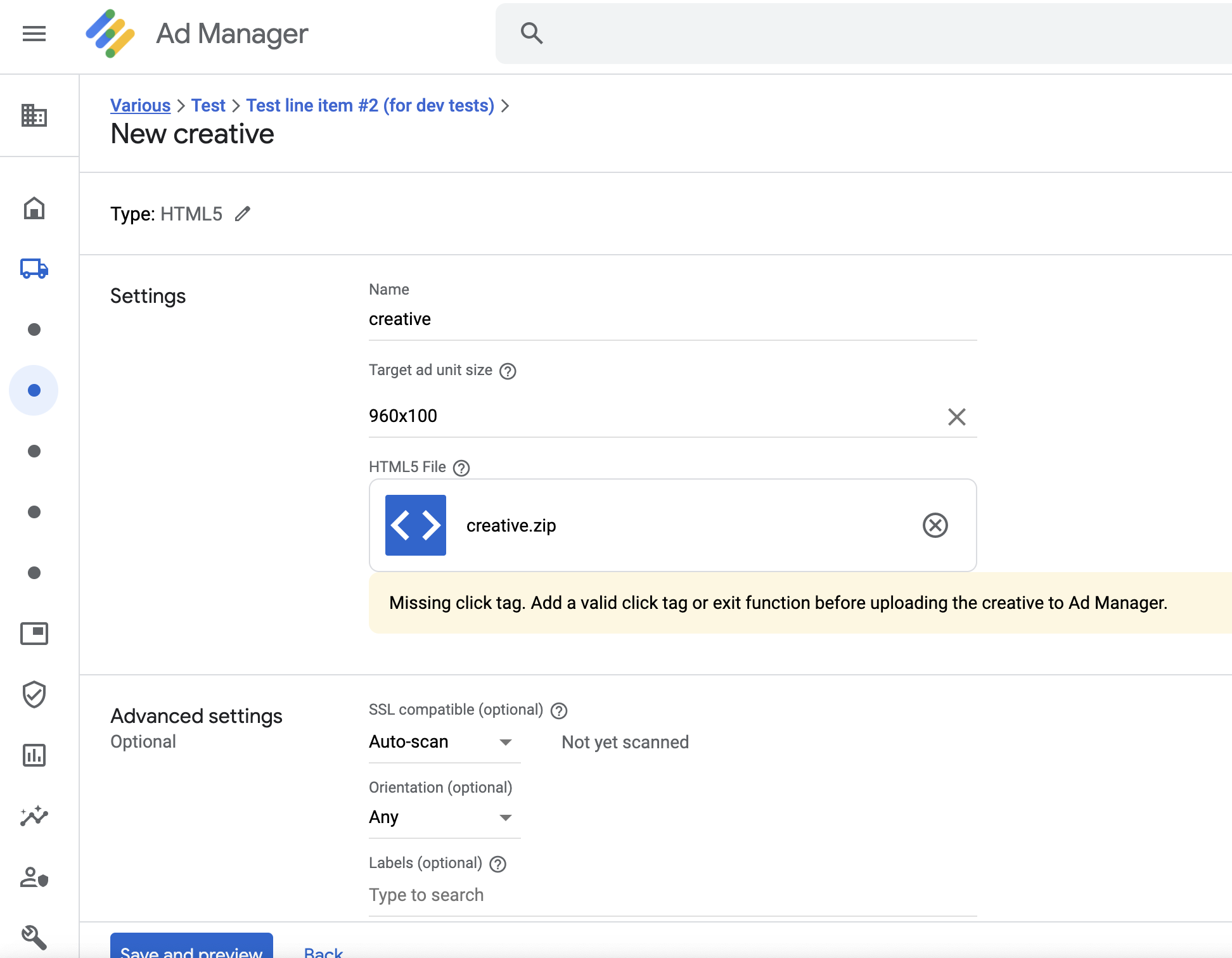
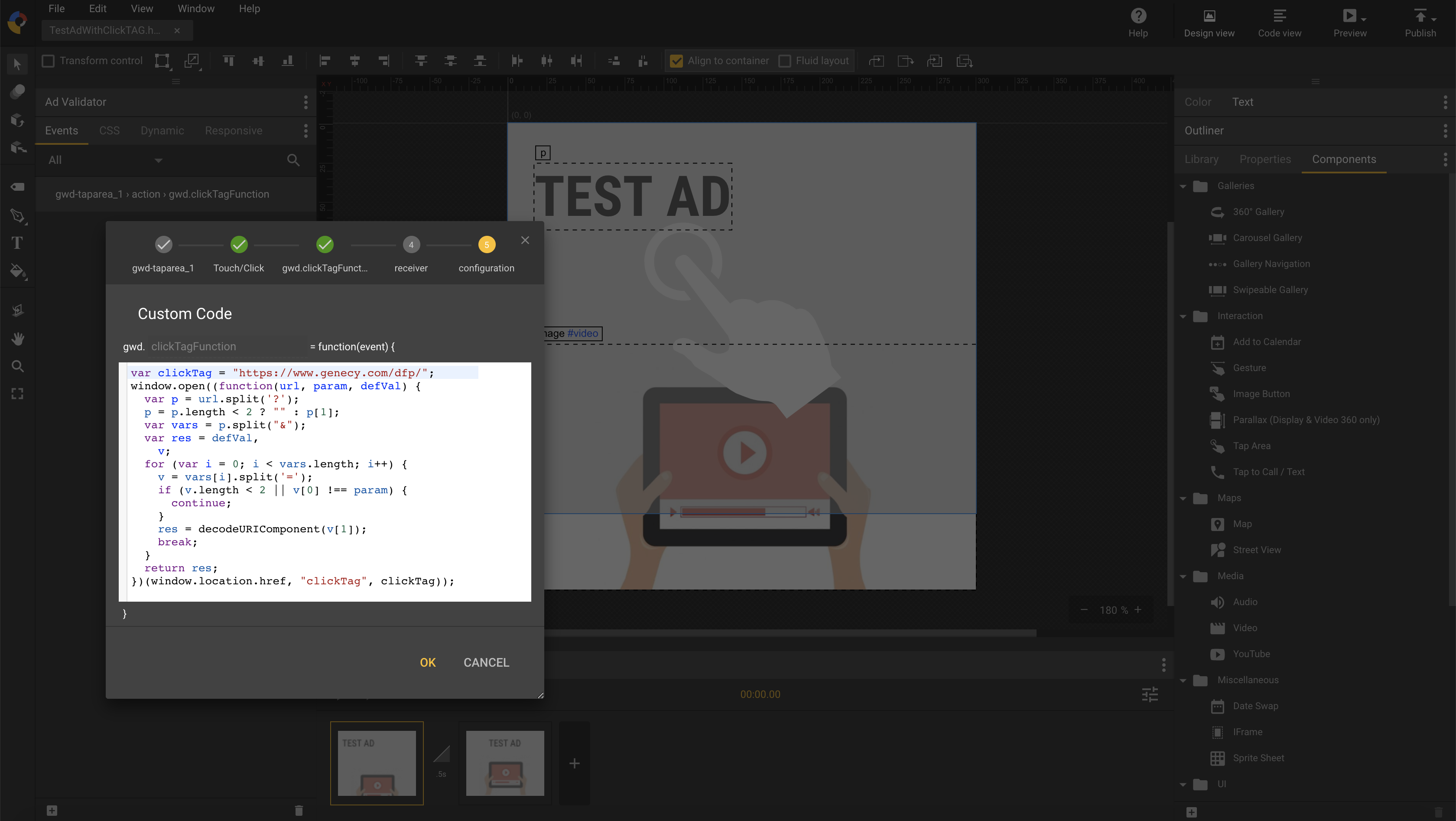
How to add clickTAG to Banners in Google Web Designer

Creating HTML banners with exit events in Google Web Designer is relatively simple, and you can easily upload them to Google Ad Manager as HTML5 creatives by following the official instructions. Google searches for exit events during the upload process, and if successful, it accepts the HTML…